Would you continue using your smartphone without updating the software, fixing a cracked screen, or replacing a failing battery?
Technically, it might still turn on, and you might be able to make calls, check email, and use some apps. Over time, the risks start to pile up: security vulnerabilities, apps not working properly, and poor overall performance.
Most people wouldn’t accept that risk with a phone. Yet many organizations accept a similar risk with one of the most important operational systems in their building: the building automation system (BAS).
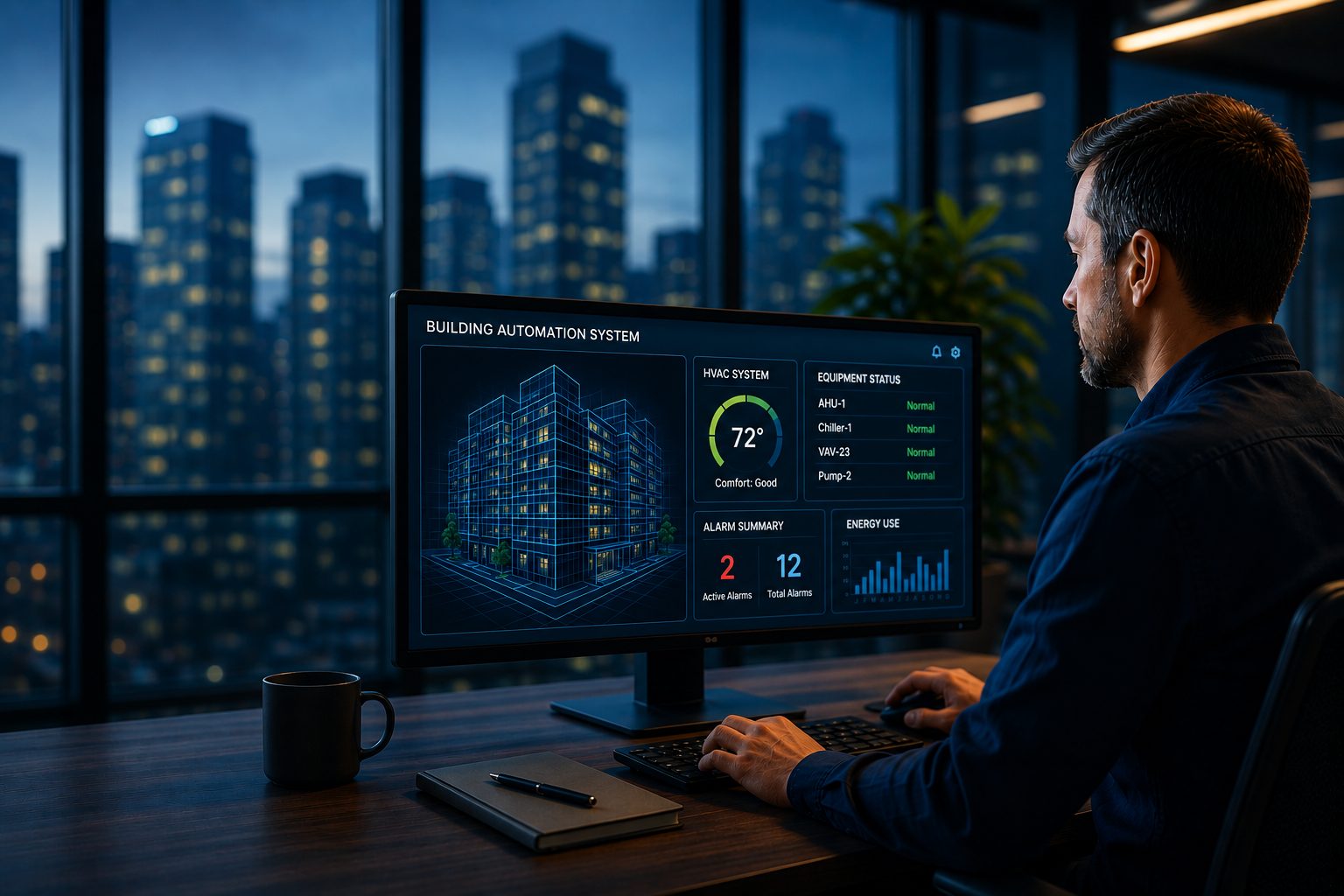
Your BAS may still be controlling HVAC equipment, managing alarms, supporting comfort, and helping your facility operate as expected. That doesn’t necessarily mean the system is still fully supported. A BAS can function normally while the hardware, software, replacement parts, cybersecurity protections, and technical expertise needed to maintain it become harder to access.
What It Means for a BAS to Be Supported
ASHRAE 13-2024 defines a BAS that it is 10+ years old as “legacy.” Legacy means that may still operate reliably yet it relies on hardware, software, communications, or support resources that are aging, discontinued or becoming harder to maintain.
Support isn’t one thing. It’s a combination of resources that make a system maintainable over time. A fully supported BAS has access to current software, available hardware, trained technical resources, cybersecurity updates, manufacturer guidance, and compatibility with newer equipment and platforms.
- Software support includes updates, bug fixes, security patches, performance improvements, and guidance from the manufacturer. Without it, facilities can find themselves running outdated versions that are harder to secure and more difficult to troubleshoot.
- Hardware support means replacement controllers, modules, servers, workstations, and other critical components can still be sourced through reliable channels. When hardware reaches end-of-life, replacement options can become limited, expensive, or dependent on refurbished equipment.
- Technical support is just as important. Even if parts can be found, the system still depends on trained technicians, documentation, engineering resources, and manufacturer expertise. As technology ages, fewer people remain fluent in older platforms, which can make maintenance and troubleshooting slower and more complex.
- Cybersecurity support has become a bigger part of BAS lifecycle planning. Modern building systems are increasingly connected to networks, remote access tools, reporting platforms, and enterprise technologies. If software is no longer receiving security updates and BAS applications or data are living on unsupported on-premise servers, vulnerabilities may be difficult or impossible to address through routine maintenance alone.
- Compatibility support determines whether the system can continue integrating with new HVAC equipment, analytics tools, energy management platforms, reporting systems, and other technologies. A BAS that can’t easily connect to newer systems can limit a building’s ability to improve performance, manage energy, or modernize operations.
BAS can be fully operational and still be losing support. That’s what makes supportability risk easy to overlook. Everything may appear stable until a failed controller, software issue, cybersecurity concern, or integration requirement exposes how limited the available options have become.
How to Know If Your BAS Is No Longer Straightforward to Support
The first step is asking the right questions.
Start with the basics:
☐ Do you know what software version your BAS is currently running?
☐ Do you know what year the controller was installed and implemented?
☐ Do you know whether software updates are still available for that version?
☐ Do you know whether cybersecurity updates are still being released?
☐ Do you know if replacement parts are readily available?
☐ Do you know which controllers, servers, or devices have reached end-of-life?
☐ Do you know whether your BAS is still actively supported by the manufacturer?
☐ Do you know how a critical controller would be replaced if it failed tomorrow?
☐ Do you have a documented modernization roadmap for the next three to five years?
Look at the operational warning signs:
☐ Is your BAS more than 10 years old (ASHRAE 13-2024 defines this as legacy)?
☐ Are replacement parts becoming harder to find?
☐ Has your service provider discussed limited inventory or end-of-life products?
☐ Is integrating new equipment more difficult?
☐ Would a BAS failure require a rebuild, used part, or special-order replacement?
None of these signs automatically means immediate BAS replacement. It does mean it’s time to evaluate the level of risk and decide whether a modernization plan needs to be developed.
Why Supportability Matters
BAS has become the operating backbone of modern facilities. They control HVAC systems, monitor equipment performance, manage alarms, support comfort, influence energy consumption, and provide visibility into building operations. When supportability declines, the risk isn’t isolated to the controls system; it can affect maintenance planning, occupant experience, capital budgeting, cybersecurity, and business continuity.
- Unexpected downtime is one of the most visible risks. A failed controller, communication issue, or software problem can disrupt scheduling, equipment performance, alarms, and comfort. In some buildings, even a brief outage can create operational strain for maintenance teams and frustration for occupants.
- Emergency capital spending is another concern. When a critical component fails without a replacement plan, facility managers often have to make quick decisions. That can mean fewer options, less time to evaluate alternatives, and more pressure to approve unplanned expenditures.
- Cybersecurity exposure also increases when software ages out of support. If a system no longer receives patches or updates, known vulnerabilities may remain unresolved. For connected building systems, that can become a broader risk than many facility teams initially expect.
- Maintenance costs can rise as systems age. Troubleshooting may take longer, parts may be harder to source, and repairs may depend on specialized knowledge or legacy equipment. Even when a repair is possible, the path to getting there can become less predictable.
- Limited expansion is another hidden cost. Older systems can make it harder to add equipment, implement analytics, support energy initiatives, or connect to modern enterprise platforms. Over time, the BAS can become a constraint on building performance rather than a platform for improvement.
Why BAS Modernization Is Often Pushed Off
Most facility managers don’t delay BAS modernization because they’re ignoring the issue. They push it off because the system still works, budgets are limited, and “upgrade” can sound like a forced project that creates more problems than it solves. There are so many competing priorities that it’s understandable when a working BAS doesn’t rise to the top of the list.
The BAS modernization conversation can also feel larger and more expensive than it needs to be. Many teams hear “upgrade” and assume it means a full replacement, major disruption, or a large capital project all at once. In reality, BAS modernization is usually more flexible than expected.
Waiting can feel like the conservative choice, especially when the system is still performing. The problem is that waiting often reduces control. When a failure happens unexpectedly, replacement inventory may be limited, decisions may need to be made quickly, and the organization may have fewer options than it would have had with advance planning.
Common Myths and Facts About BAS Modernization
1. Myth: Everything has to be replaced at once.Fact: Most modernization projects are phased. Many facility managers start with the highest-risk pieces of infrastructure, such as supervisory controllers, on-premise servers, software platforms, or known end-of-life components. Field-level controllers and equipment integrations can often be addressed over time.
2. Myth: The building will need to be shut down.Fact: BAS modernization is typically planned around building operations, occupancy schedules, and critical equipment needs. Engineering, programming, migration, testing, and commissioning can often be sequenced to minimize disruption.
3. Myth: It’s better to wait until something fails.Fact: While that may preserve budget in the short term, it can create a more expensive problem later. Emergency replacement decisions are rarely made under ideal conditions, and the urgency of a failure can limit both technical and financial flexibility.
4. Myth: Modernization is only about getting new features.Fact: Sometimes new capabilities are part of the benefit, but the stronger business case is often supportability. Modernization helps preserve serviceability, improve cybersecurity posture, increase reliability, and reduce the likelihood of emergency replacement scenarios.
Service Agreements Don’t Always Include Upgrade Support
Most BAS service agreements are designed to keep the existing system operating through scheduled maintenance, troubleshooting, software checks, alarm review, backups, and service response. They may also include recommendations when equipment is aging, software is outdated, or replacement parts are becoming difficult to source.
A service agreement doesn’t always include the labor, materials, software licensing, engineering, programming, cybersecurity work, or hardware replacement required for a modernization project. In many cases, those items are handled as separate upgrade scopes or capital projects. That’s why it’s important to understand what your agreement covers before a failure occurs. Ask:
- Does my agreement include software updates or only software support?
- Are cybersecurity patches included?
- Are backups, database reviews, and system health checks included?
- Are controller replacements covered, or only troubleshooting?
- Does the agreement include lifecycle recommendations or a modernization roadmap?
- What happens if a critical component is discontinued or unavailable?
A strong service agreement should help you identify supportability risks early. A modernization roadmap helps you decide what to do about them.
What BAS Modernization Actually Looks Like
A practical modernization strategy should start with the condition of the existing BAS, not a predetermined replacement plan. The right path depends on system age, software version, replacement part availability, building use, operational criticality, budget cycles, and long-term facility goals.
- Software upgrades may be the first step. Updating BAS software improves security, compatibility, performance, usability, and long-term support. At times, software upgrades alone can extend the life of an existing BAS and reduce immediate risk.
- Supervisory controller upgrades are another common priority. These devices coordinate field controllers, trend data, alarms, schedules, and communication across buildings. When supervisory infrastructure becomes obsolete, a building can become more vulnerable to broad operational impacts if something fails.
- Server and workstation modernization is also a possibility. Updating front-end infrastructure, operator workstations, databases, or migrating on-premise servers hosting BAS data and applications to the cloud can reduce maintenance risk and improve system usability.
- Phased controller replacement allows you to prioritize the highest-risk areas first and modernize the rest over time. This approach can help spread investment across budget cycles while reducing exposure in the most critical parts of the building.
- Cybersecurity enhancements should be considered throughout the process, including where BAS applications and data are stored. Access control, patch management, user permissions, remote connectivity, network architecture, and system monitoring all play a role in keeping BAS infrastructure secure and manageable.
- The most valuable output is often a lifecycle roadmap. A roadmap identifies which components are current, aging, discontinued, or high risk, then organizes upgrades in a sequence that makes sense for the facility. That gives teams a way to plan before emergency replacement is required.
Get Started
You don’t need to make every modernization decision at once. A practical first step is to confirm the current support status of your BAS and identify the highest-risk components. Start with three questions:
- What software version are we running, and is it still supported?
- Which controllers, servers, or communication components are end-of-life or difficult to replace?
- If a critical component failed tomorrow, what would our replacement strategy be?
If the answers are unclear, it may be time to discuss a modernization roadmap. The goal isn’t to replace a BAS because it’s old. It’s to reduce risk before a failure forces the decision.
In the past, reliability was measured by whether equipment continued operating. Today, reliability is supportability. A BAS is truly reliable when it can be maintained, secured, updated, repaired, and expanded without excessive cost or operational risk.
Your BAS may still work. The more important question is whether it will still be supported when you need it most.added value for owners.